
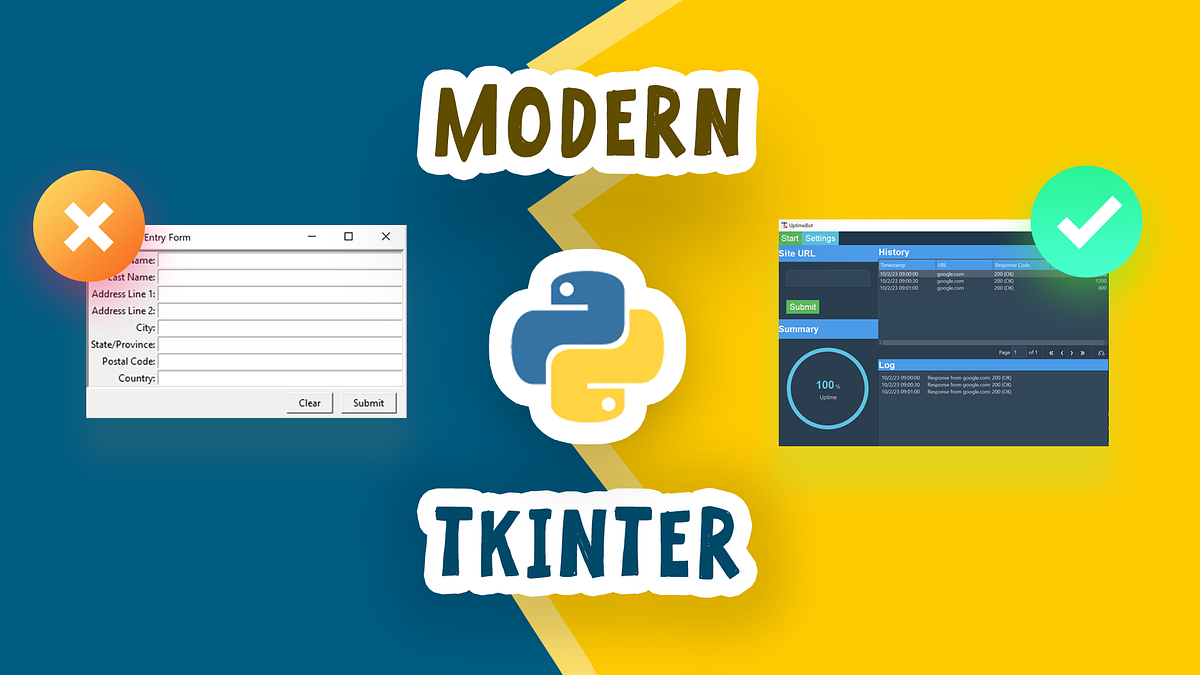
Python is celebrated for its role in data science, web development, and automation. But did you know it also has a powerful, built-in library for creating graphical user interfaces (GUIs)? Enter Tkinter, the standard GUI toolkit for Python. It's simple, cross-platform, and perfect for building everything from small utility tools to more complex desktop applications.
Getting Started: Your First Window
Tkinter is included with most Python installations, so you don't need to install anything extra. Creating a basic window is incredibly straightforward.
import tkinter as tk

# Create the main application window
root = tk.Tk()
root.title("My First App")
root.geometry("400x300") # Set window size

# Start the event loop
root.mainloop()
Running this script will open a blank 400x300 window with the title "My First App". The `mainloop()` call is essential; it listens for events like button clicks and keeps the window open.
Adding Widgets
An application isn't very useful without widgets like labels, buttons, and input fields. Let's add a few.
- Label: Used to display static text.
- Button: A clickable button that can trigger a function.
- Entry: A single-line text input field.
import tkinter as tk

def say_hello():
    name = entry.get()
    label.config(text=f"Hello, {name}!")

root = tk.Tk()
root.title("Greeter App")
root.geometry("400x300")

# Create and place a label
label = tk.Label(root, text="Enter your name:")
label.pack(pady=10)

# Create and place an entry field
entry = tk.Entry(root)
entry.pack(pady=5)

# Create and place a button
button = tk.Button(root, text="Greet Me", command=say_hello)
button.pack(pady=20)

root.mainloop()
In this example, we've added a label, an entry box, and a button. The `pack()` method is a simple way to place widgets in the window. When the button is clicked, it calls the `say_hello` function, which retrieves the text from the entry box and updates the label's text.
"Tkinter's strength is its simplicity. It lowers the barrier to entry for creating functional desktop tools without the overhead of larger frameworks."
Beyond the Basics
Tkinter offers much more than just basic widgets. You can manage complex layouts with `grid()` and `place()`, create menus, draw on a canvas, and use themed widgets with the `ttk` module for a more modern look and feel.
While frameworks like PyQt or Kivy might offer more advanced features, Tkinter's inclusion in the standard library and its gentle learning curve make it the ideal choice for developers looking to quickly build cross-platform desktop utilities in a language they already know and love.